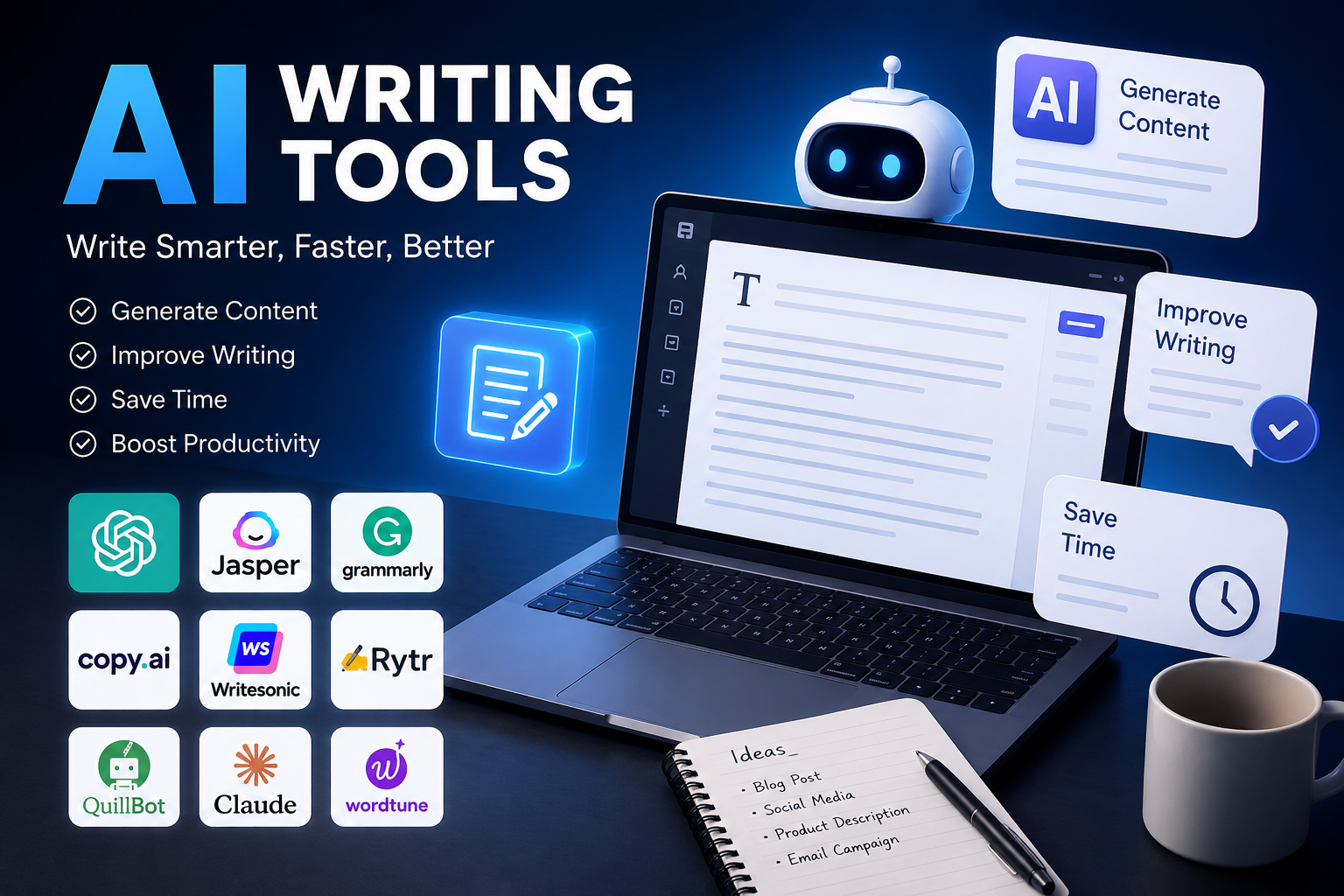
Best AI Writing Tools in 2026
I’ll be honest — when I started researching this piece, I almost didn’t write it. The internet already has a thousand “Top 10 AI Writing Tools” posts, and most of them read as if nobody involved has ever used the software they’re recommending. So instead of another recycled list, this is based on actual time spent inside these platforms: drafting real blog posts, rewriting clunky emails, running grammar checks, and seeing which tools actually held up under an SEO deadline.
If you’re searching for the best AI writer, chances are you fall into one of a few camps: you’re a student trying to get through an essay without losing your mind, a marketer who needs five pieces of content by Friday, or a business owner who wants to stop staring at a blank page. This guide is built around those real situations, not just feature checklists.
The Category Has Gotten Messy — Here’s How to Think About It
“AI writing software” used to mean one thing: type a prompt, get a paragraph. Now it’s a whole ecosystem, and lumping everything together is where a lot of buying decisions go wrong. You’ve got:
- AI content writing tools for full blog posts and articles
- AI copywriting tools built specifically for ads and product pages
- AI writing assistants that sit inside your browser or Google Docs
- AI grammar checkers and rewriting tools that clean up what you’ve already written
- AI email writers for faster inbox management
- Niche picks — AI writing tools for SEO, for bloggers, for students, for business teams
The mistake I see most often: someone buys a heavyweight AI content generator built for agencies when all they actually needed was a solid grammar checker. Figure out what you’re really trying to fix before you pick a tool, not after.
How I Actually Tested These
No tool on this list got a free pass just because it has a slick homepage. Each one was judged on:
- How good the output actually is — not just fluent, but useful without a total rewrite
- How fast someone new can get value out of it
- Whether it helps or hurts your SEO — structure, keyword handling, readability
- Whether the pricing page tells the truth, including if the free plan is actually usable
- What happens to your data once you type it in
This is the same spirit behind Google’s E-E-A-T standard — experience and firsthand testing over marketing copy. Where it matters, I’ve pointed to each company’s own documentation so you can double-check pricing or features yourself instead of taking my word for it.
The Tools Worth Your Time
Jasper — best all-around AI writing assistant
Jasper is still the one I reach for when a team needs content that actually sounds consistent across dozens of pieces. It’s less of an AI writing generator and more of a system — you train it on your brand voice, and it mostly sticks to it.
Good for marketing teams and agencies juggling more than one client voice. The catch is the price; it’s not the tool you grab for a single blog post. It also pairs well with SEO platforms like Surfer if you’re already using one.
Copy.ai’s free plan / Gemini — best free option
Not every “free AI writing tools” list is honest about limitations, so let’s be clear: free tiers are great for short copy, outlines, and brainstorming, and noticeably weaker once you need something long or brand-specific. Copy.ai’s free plan and general assistants like Gemini both hold up fine for quick first drafts.
If you’re a student or freelancer just testing whether AI writing fits your workflow at all, start here before paying for anything.
Surfer + its AI writer — best for SEO
If ranking is the whole point, Surfer is genuinely one of the better AI writing tools for SEO I’ve tested. It pulls data from top-ranking pages for your target keyword and nudges the AI draft toward the headings, structure, and terms that tend to perform.
One honest warning: if you chase the content score too hard, the writing can start to feel stiff and over-optimised. Always go back through it and write like a human afterwards.
Writesonic — best AI blog writer
Writesonic‘s blog wizard is built for people who need to publish often, not occasionally. It’ll take you from a bare topic to a structured draft with headings and a meta description in one pass, which makes it a solid AI article writer for anyone running a content calendar.
Just don’t skip fact-checking. Like every generator on this list, it can state something confidently that isn’t quite right.
Copy.ai — best for short-form copywriting
For ad copy, product descriptions, and social captions, Copy.ai still earns its spot among the better AI copywriting tools out there. It’s fast, it’s easy for non-writers to pick up, and it’s genuinely good at short, punchy text.
Don’t expect the same magic on long-form content — it tends to repeat itself past a few hundred words.
Grammarly — best everyday AI writing app
Grammarly quietly turned itself from a spellchecker into a real AI writing assistant. As both an AI grammar checker and an AI rewriting tool, it catches tone problems and awkward phrasing in real time, right inside Gmail or Docs.
It won’t write something from a blank page for you — that’s not really its job. But if you write every day, it’s one of the more useful tools you can have running in the background.
Gmail’s built-in AI / Superhuman — best AI email writer
If inbox overload is your actual problem, a dedicated AI email writer saves real hours. Both tools draft context-aware replies and can adjust tone or length on request, which is more useful than it sounds once you’re doing it fifty times a day.
Just reread before you hit send — AI still misses sarcasm and nuance more often than a human would.
QuillBot — best for students
QuillBot‘s paraphrasing engine is the reason it’s become the default AI rewriting tool for a lot of students, alongside a citation generator and a decent summarizer. It’s useful for reworking your own writing or condensing long readings.
One real caveat here: check your school’s AI policy before leaning on this too heavily. Paraphrasing tools sit in a grey area for academic integrity depending on where you study.
Jasper for Business / Microsoft Copilot — best for business teams
Once you’re talking about a whole company using the same tool, integration matters more than raw output quality. Copilot inside Word and Outlook, or Jasper’s team plans, both handle approval workflows and keep tone consistent across a department — genuinely useful AI writing tools for business if adoption goes company-wide.
If it’s just for you, though, this tier is overkill. Save the budget for something simpler.
So, Which One Should You Actually Pick?
There’s no single right answer here, and I’d be sceptical of anyone who tells you otherwise. It really comes down to what you’re doing:
- Publishing blog posts every week? Get something SEO-aware, not just a generic generator.
- Writing ads or product copy? A copywriting-specific tool will outperform a long-form one.
- Mostly editing your own writing? Skip the generator entirely and get a grammar/rewriting tool.
- Running a team? Prioritise brand-voice training and collaboration over raw speed.
- Not sure yet? Start free. Only pay once you’ve confirmed it actually saves you time.
Bottom Line
The “best” AI writer is really just the one that fits what you’re doing right now. Don’t take my word — or anyone else’s — as final. Spend twenty minutes in the free version of two or three of these before you subscribe to anything. Every tool has quirks you won’t notice until you’re actually using it on your own content, and that’s true no matter how confident a blog post like this one sounds.
I wasn’t paid by any tool mentioned here. Features and pricing change often, so check each provider’s site before buying.